Mobile app · Android · iPhone · iPad

Analytical Chemistry Calculator
214 analytical chemistry calculators, from solutions and titration curves to statistics and chromatography. Pick the unknown, enter the values and see the result as you type.
A free, open-source app in Turkish and English for undergraduates and laboratory staff, built from the equations of analytical chemistry textbooks. Every tool cites its textbook and equation number and comes with a detailed explanation and a step-by-step worked example.
Free · No ads · Works offline · Version 3.0
- 214
- calculators and tables
- 18
- topic modules
- 6
- source textbooks
- 1000+
- verification tests
What it does
Almost every calculation met in analytical chemistry, instrumental analysis and laboratory courses, arranged by topic in 18 modules.
Any variable can be the unknown
Choose whichever quantity you are looking for and enter the others. Units (mL, µg/L, kJ/mol, min…) can be switched and the number of significant figures is adjustable.
Titration curves
Acid–base (including polyprotic), EDTA (with an auxiliary complexing agent), precipitation and redox curves from a full equilibrium solution, with end-point detection, derivatives and indicator suggestions.
Statistics and calibration
Confidence intervals, t, F, Q and Grubbs tests, ANOVA, linear and weighted regression, LOD/LOQ, standard addition, internal standards and propagation of uncertainty.
Instrumental analysis
Spectroscopy, electrochemistry, atomic spectroscopy and X-rays, mass spectrometry (isotope patterns, DBE), extraction, chromatography and electrophoresis.
Quality assurance
Control charts with rule checks, uncertainty budgets, Horwitz, z/ζ/Eₙ scores, the Youden ruggedness test, factorial designs and sampling calculations.
More details
An undergraduate-level page for every tool: the concept, what the equation means, when it applies, a step-by-step worked example and common mistakes. Tables of Ka, Ksp, E° and critical values are included.
How it works
An example: finding a concentration with the Beer–Lambert law, plotting an EDTA titration curve and reviewing the topic with a worked example.
- Step 1
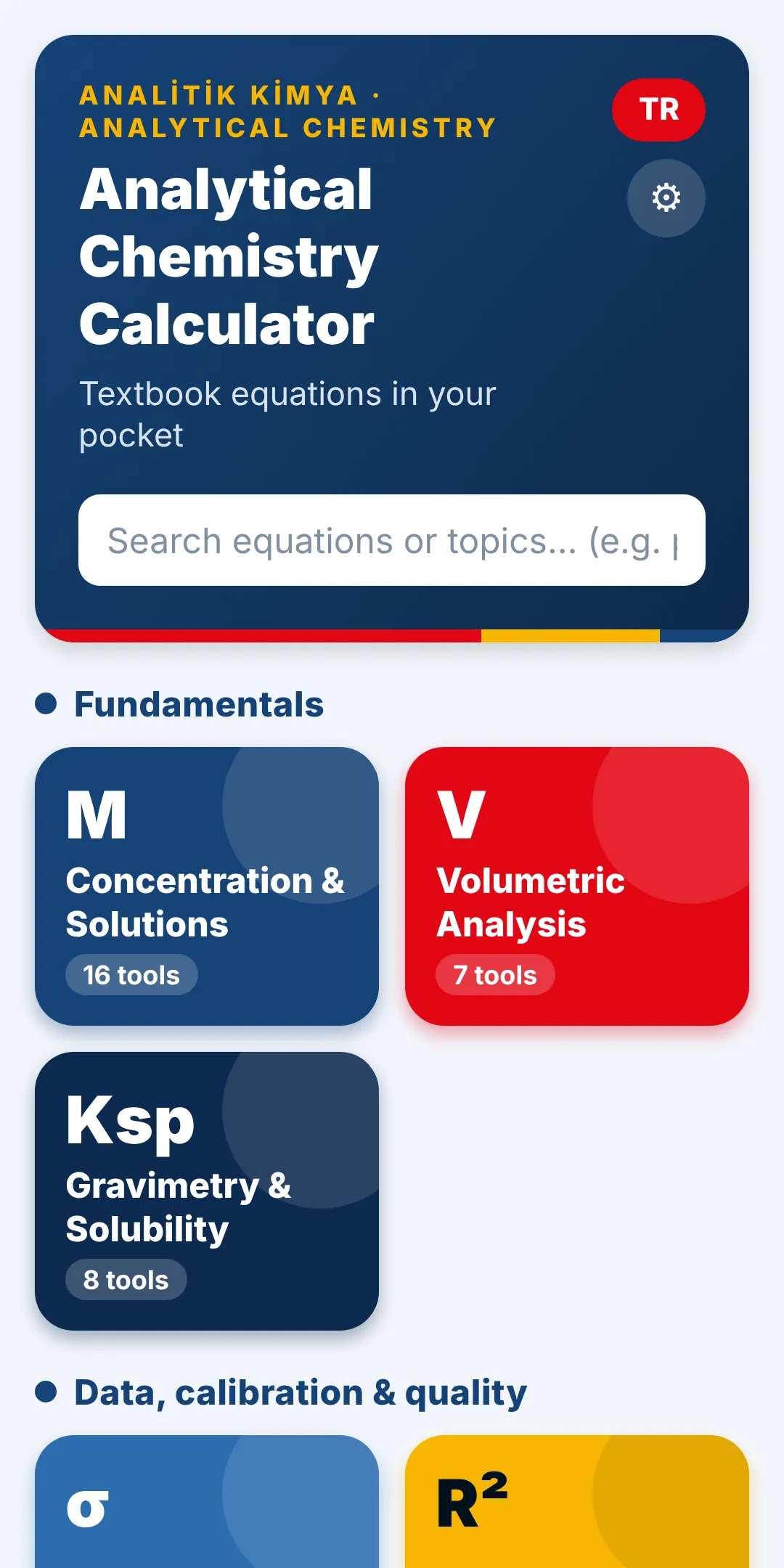
Pick a topic or search
The home screen groups the 18 modules under six headings. You can also jump straight to a tool by typing a term such as “pH”, “Beer” or “t-test” in the search box, and star the ones you use often.
- Step 2
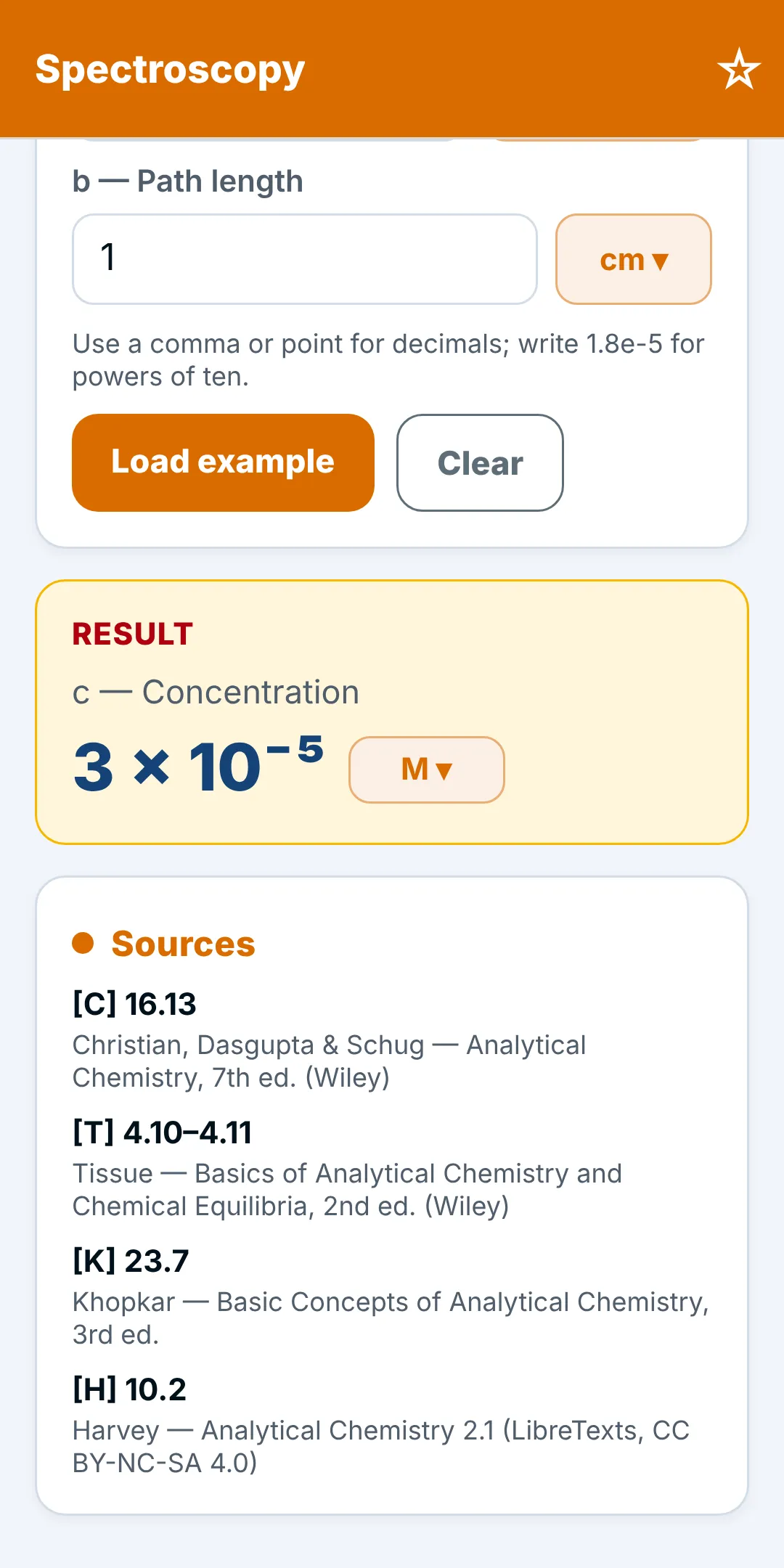
Choose the unknown and enter the values
In the Beer–Lambert tool, choose the concentration (c) as the unknown and enter the absorbance (0.45), molar absorptivity (15 000 L mol⁻¹ cm⁻¹) and path length (1 cm): c = 3.0 × 10⁻⁵ M. The assumptions and the textbook equation number are shown on the same card.
- Step 3
Plot the curve and find the end point
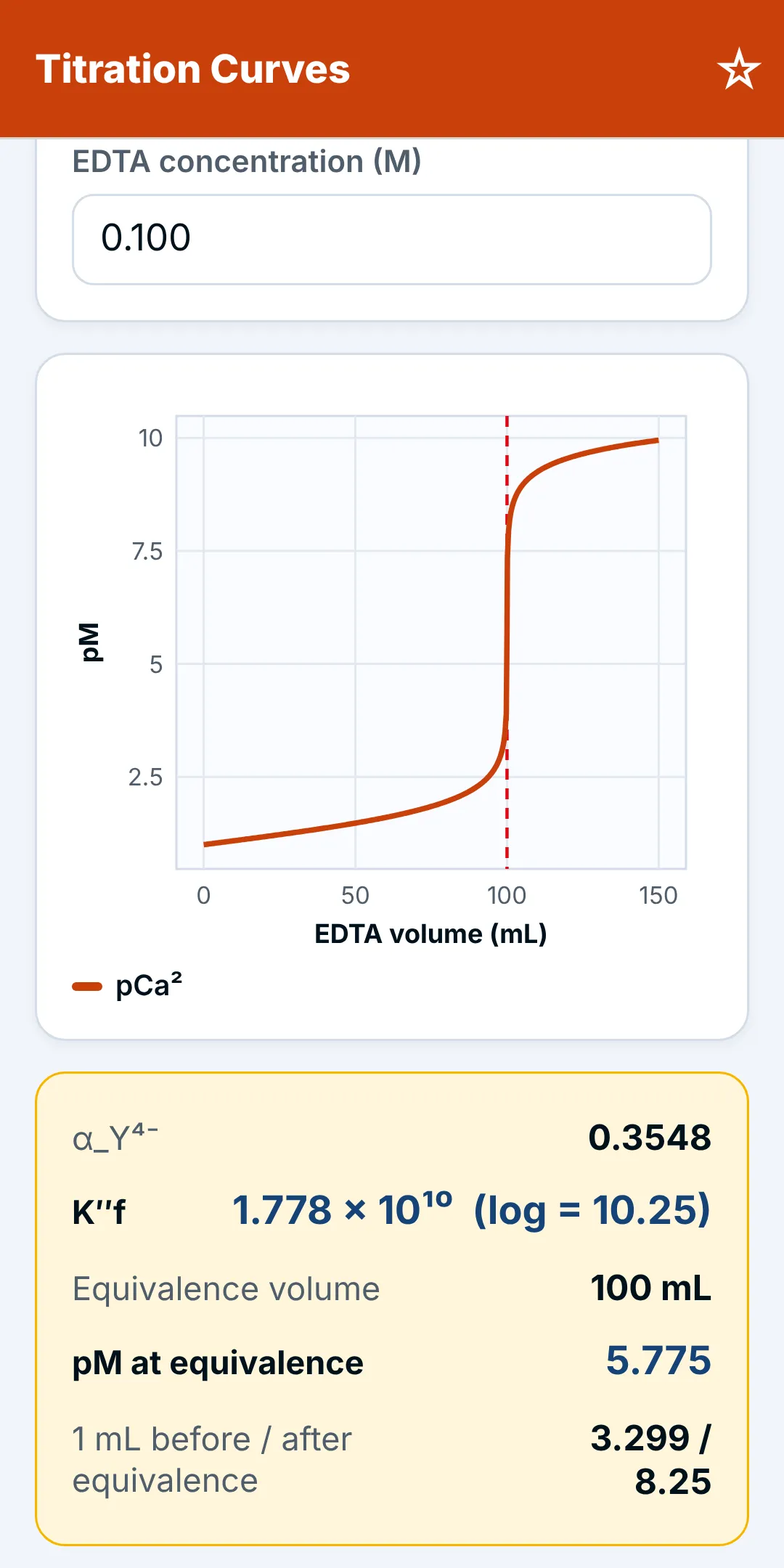
Titrating 100 mL of 0.100 M Ca²⁺ with 0.100 M EDTA at pH 10: the conditional formation constant (K″f), the equivalence volume and pCa at equivalence are calculated at once and the curve is plotted against volume.
- Step 4
Review the topic with a worked example
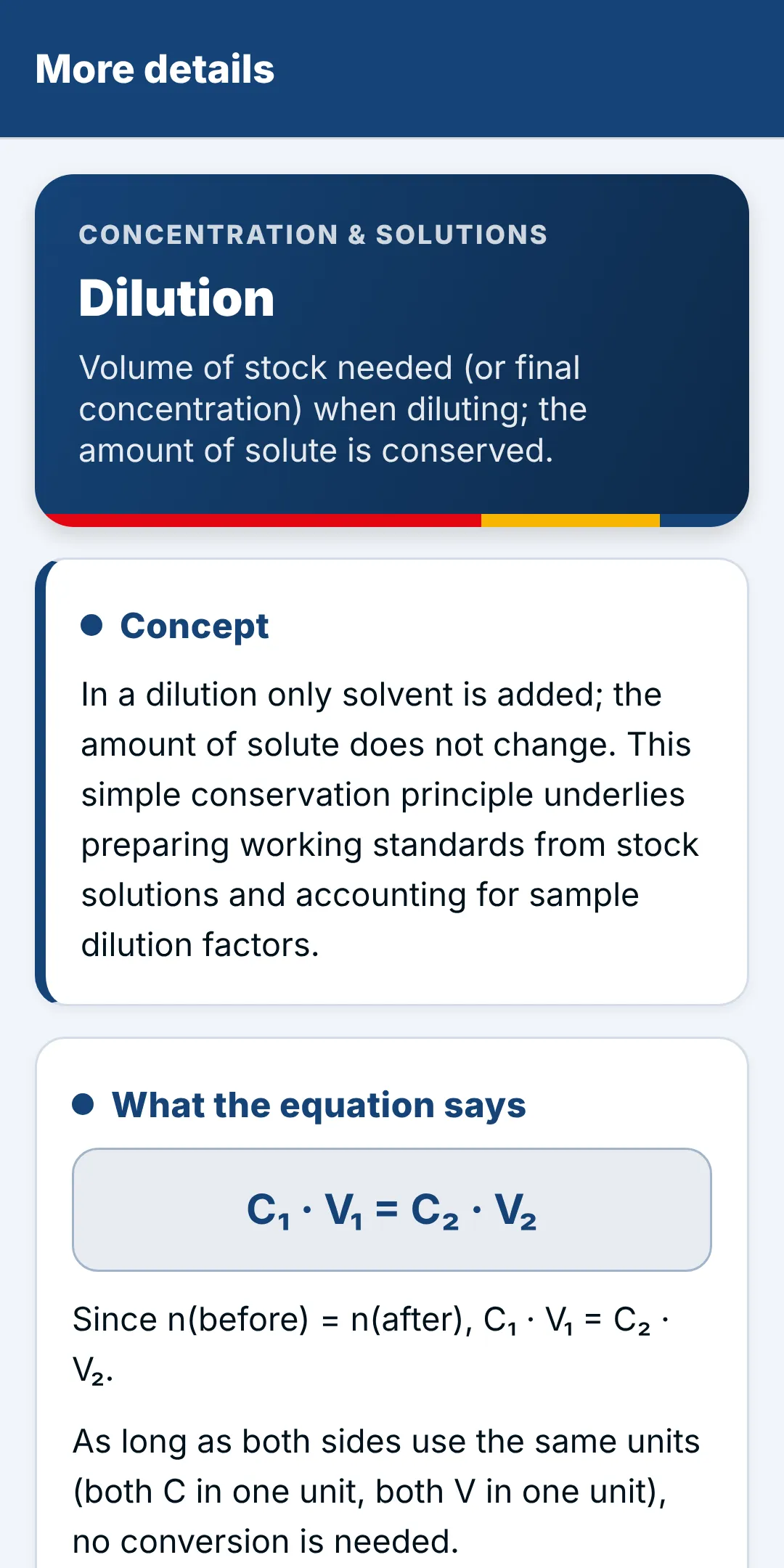
The “More details” button shows the concept, where the equation comes from, the variables and units, a step-by-step worked example and the mistakes students often make. The result of each worked example is checked against the calculator in the tests.
More screens
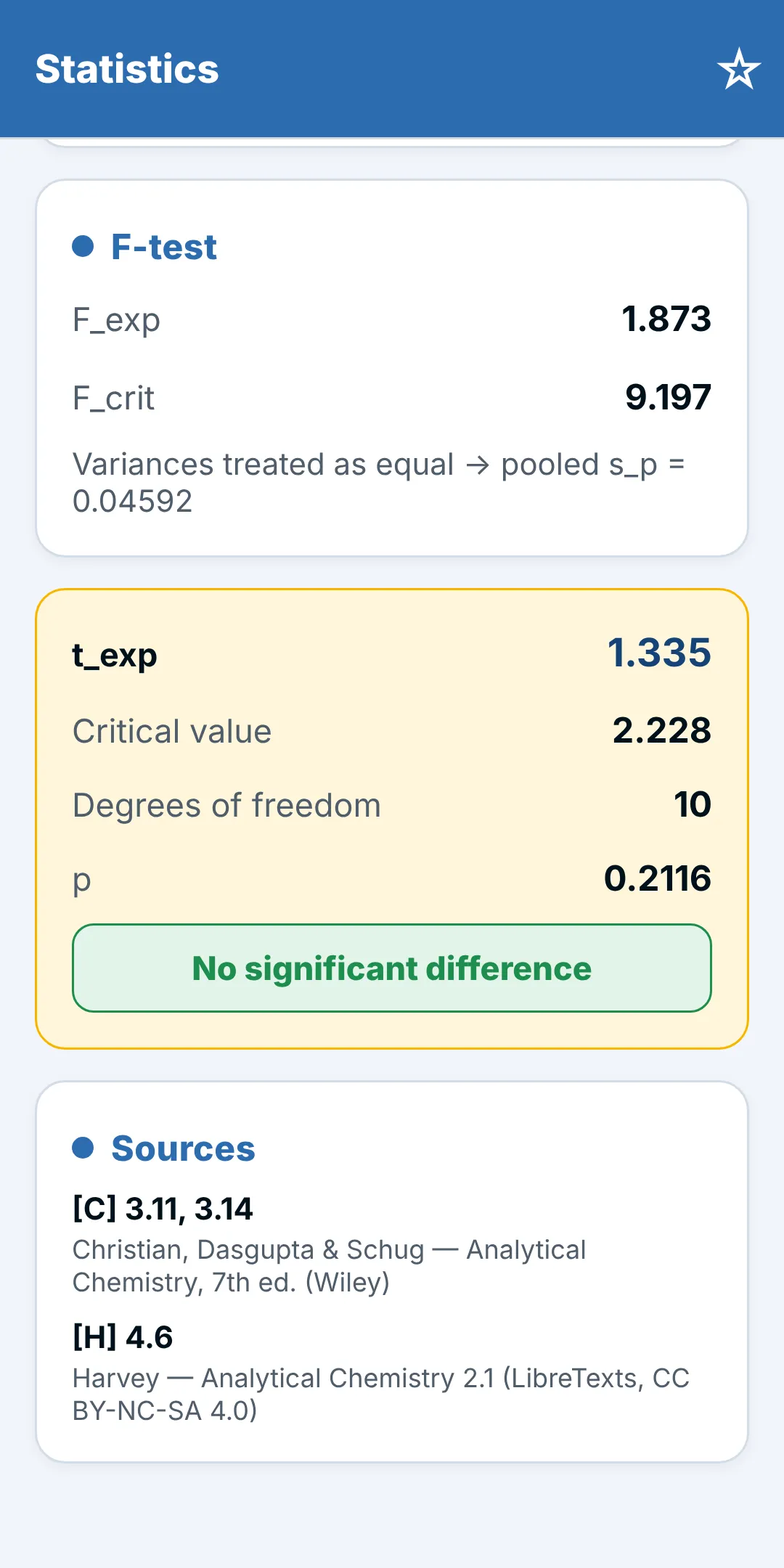
Two-means t-test: F-test first, then the verdict 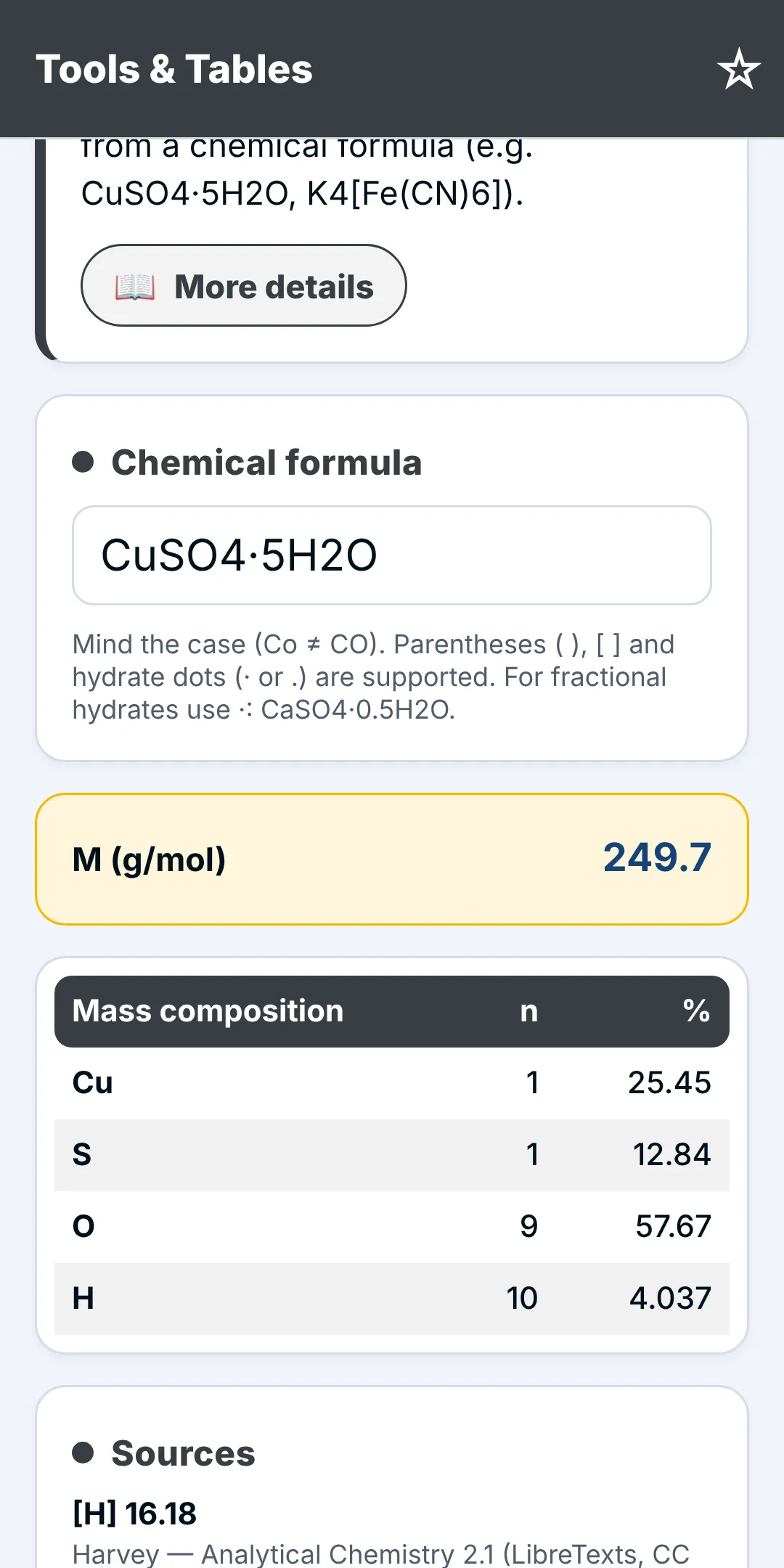
Molar mass and mass composition 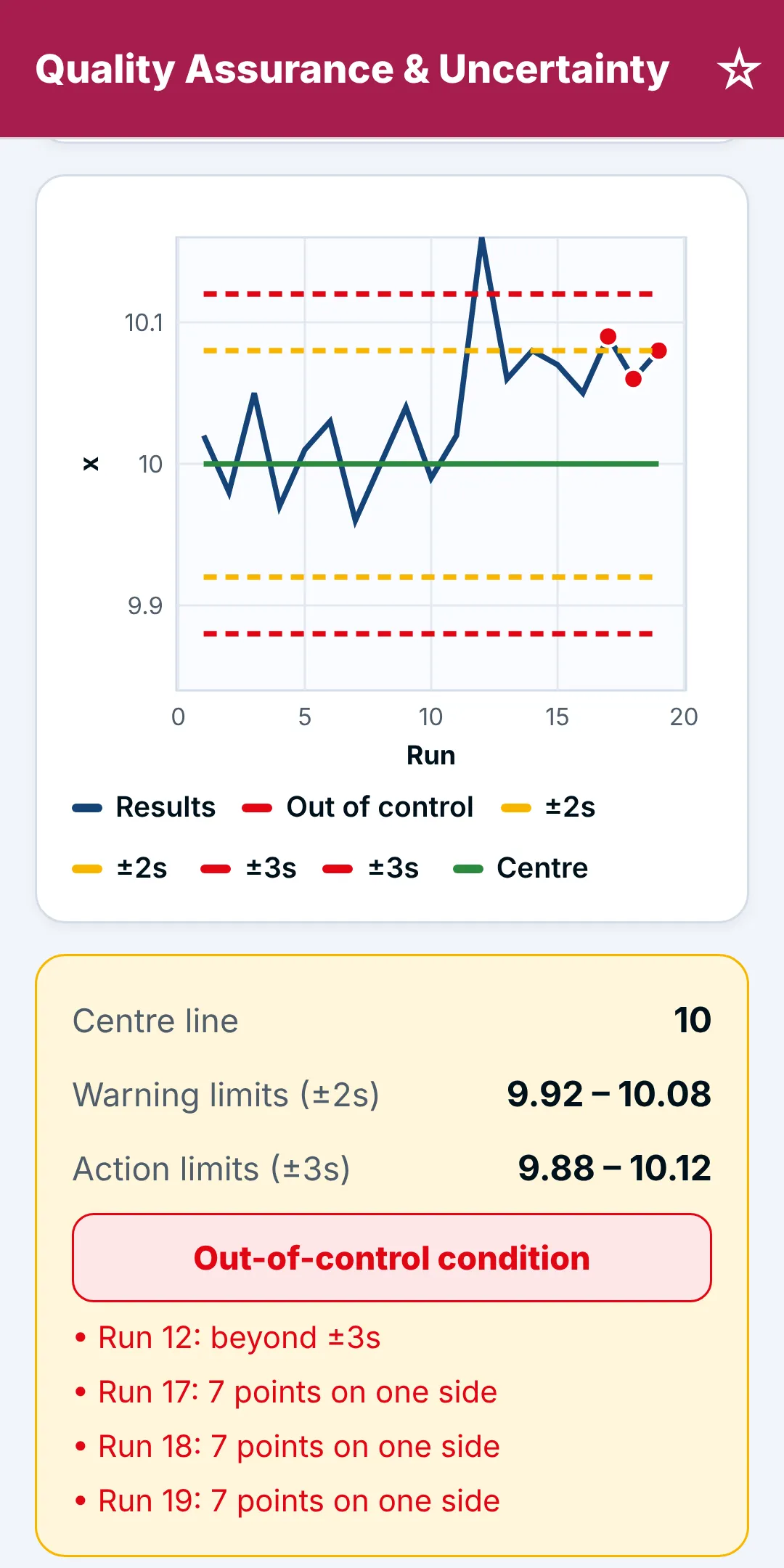
Shewhart control chart with rule checks
Where do the data come from?
The equations, constants and examples come from these textbooks, and every tool card names the book and equation number. The formulas, unit conversions, tables and explanations went through a detailed scientific review, and the textbook examples are checked continuously by more than 1000 automated tests. For a few equilibrium constants that are disputed in the literature, critically evaluated current values are used and noted in the app. The app is not affiliated with the publishers.
- G. D. Christian, P. K. Dasgupta, K. A. Schug, Analytical Chemistry, 7th ed., Wiley, 2014.
- D. Harvey, Analytical Chemistry 2.1, LibreTexts (CC BY-NC-SA 4.0).chem.libretexts.org/Bookshelves/Analytical_Chemistry/Analytical_Chemistry_2.1_(Harvey)
- S. M. Khopkar, Basic Concepts of Analytical Chemistry, 3rd ed., New Age International.
- B. M. Tissue, Basics of Analytical Chemistry and Chemical Equilibria, 2nd ed., Wiley.
- K. Danzer, Analytical Chemistry: Theoretical and Metrological Fundamentals, Springer, 2007.
- E. Prichard, V. Barwick, Quality Assurance in Analytical Chemistry, Wiley, 2007.
Trustworthy, open and private
No personal data
No account, ads or analytics. The values you enter are processed on your device and sent nowhere; calculations work without the internet.
Open source
The source code and tests are on GitHub under the Apache 2.0 license, so anyone can check how each equation is coded and which textbook example verifies it.
Fits every screen
Turkish and English interface, with layouts for phones, tablets and foldables. On phones the screen does not rotate by accident; turn it with a button when you want to.
Frequently asked questions
Does the app cost anything?
No. The app is free, with no ads and no in-app purchases.
Does it need an internet connection?
Not for calculations; the app works offline in the lab. If a connection is available, it only downloads content and bug-fix updates at start-up.
How far can I trust the results?
The equations are tested automatically against textbook examples and went through a detailed scientific review. Still, read the assumptions on each tool: an equation holds only when its assumptions are met. For reports or exams, compare your results with your textbook and raw data.
Which courses is it for?
Analytical Chemistry I–II, Instrumental Analysis, analytical chemistry laboratory courses, and quality assurance and method validation. Graduate students and laboratory staff can use it as a quick reference too.
Which devices does it run on?
Android and iOS phones, tablets (including iPad) and foldable phones. Store links will appear on this page once the app is published.
What if I find an error?
Please open an issue on GitHub or send an email. If you include the tool name, the values you entered and the result you expected, it will be checked against the source and corrected.
Support
For questions, suggestions and bug reports, send an email or open an issue on GitHub.